


Join the Many Satisfied Customers
Delivering quality and consistency that customers rely on.
NEW: Elevate Your Reading Experience Today
Subtotal: £19.99
Low stock: 10 left

Insert review here
Insert review here
Insert review here
Insert review here
Illuminate your reading experience with our innovative book light, designed for versatility and comfort. Enjoy adjustable brightness and light temperature to create the perfect ambiance for any setting.
Question 1: How do I charge and know when the book light is fully charged?
Answer 1: The book light features a charging indicator; the red light will be on while charging and will turn off once fully charged, ensuring you know it's ready for use.
Question 2: What are the different light modes available on this book light?
Answer 2: This book light offers three light modes: white light, warm light, and natural light. You can easily toggle between them using the designated button.
Question 3: How do I adjust the brightness of the light?
Answer 3: Brightness can be adjusted with a long press on the power button for infinite dimming, allowing you to set the perfect light level for your reading preferences.
We offer Free Express Shipping on all orders! Please allow 1-2 Business Days for us to process and ship your order. Estimated Arrival Time: 7-12 business days.


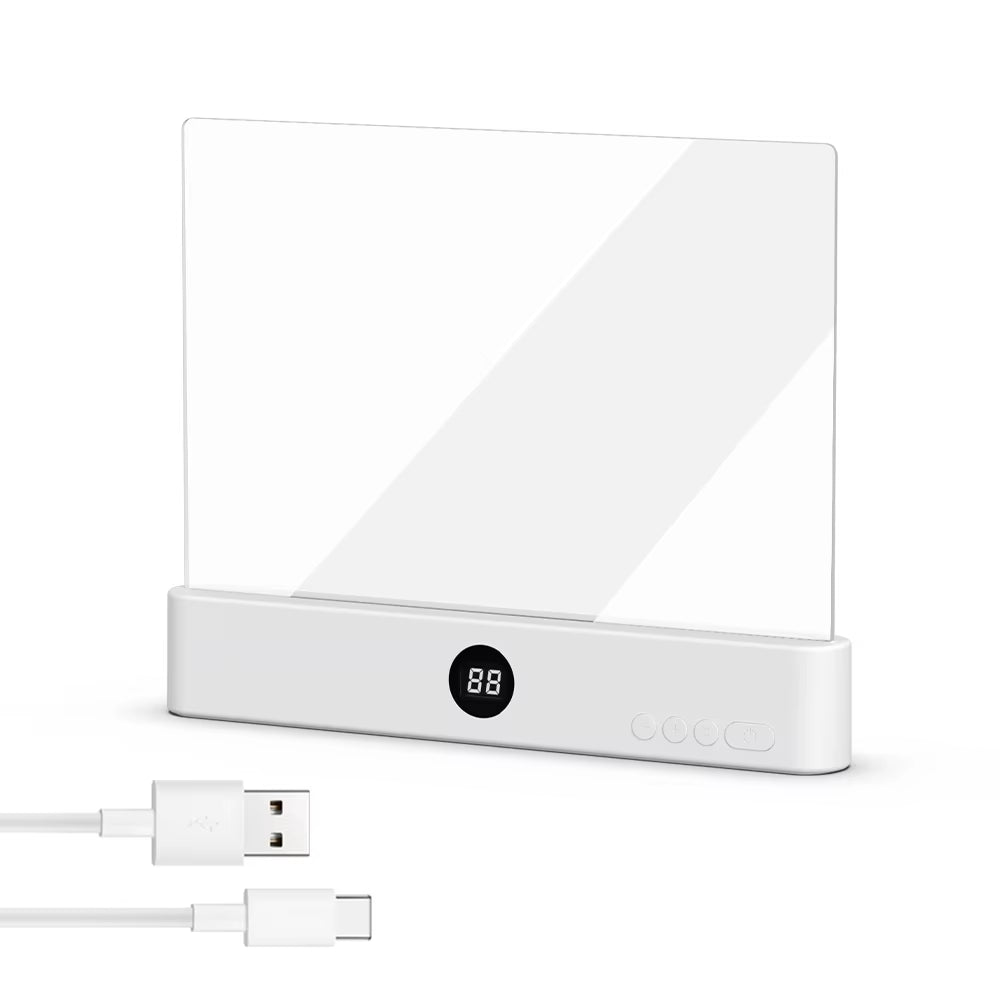

Discover the ultimate solution for nighttime reading. Experience comfort and clarity with beautifully crafted lighting that adapts to your needs.

Illuminate Your Reading Experience Now
Many readers struggle with inadequate lighting, making it difficult to enjoy their favorite books. This innovative light solution ensures optimal visibility for any reading situation.
Adjustable brightness for every need
Portable design for easy use
Multiple light modes available
Long-lasting battery for convenience
Delivering quality and consistency that customers rely on.

Premium Book Light

Enhanced Reading Experience
Loved the freedom to adjust brightness for their reading comfort throughout the night.
Convenient and Versatile
Appreciated switching between different light settings to suit various activities seamlessly.
Never Runs Out of Power
Enjoyed the long-lasting battery that kept their light ready for use anytime.
Discover unparalleled versatility and cutting-edge features that enhance your reading experience, making our product the ultimate choice for avid readers and night owls alike.
|
Velk Light
|
Others
|
|
|---|---|---|
|
Infinite Dimming
|
|
|
|
Multi-Color Options
|
|
|
|
Smart Timer Function
|
|
|
|
User-Friendly Controls
|
|
|
|
Rechargeable Design
|
|
|
Illuminate Your Reading Experience
First Benefit
Customizable Brightness
Infinite dimming for perfect lighting control.
Second Benefit
Versatile Light Options
Choose between white, warm, and natural light.
Third Benefit
Smart Charging Indicator
Red light shows charging status for convenience.

Charging is simple! A red indicator light shows while it’s charging; it will turn off when fully charged. This lets you know when it's ready for long hours of use without interruptions.
You can easily switch between white, warm, and natural light modes. Each mode is designed to provide the perfect ambiance, whether you're reading, working, or relaxing, to enhance your visual comfort.
Absolutely! Our book light features an infinite dimming option. Just long press the power button to customize the brightness to your liking, ensuring optimal lighting for your reading environment.
The light includes a timed function for automatic shut-off, perfect for those who like to read before sleep. Simply use the + and - buttons to set your desired time, ensuring you won’t waste battery life.
